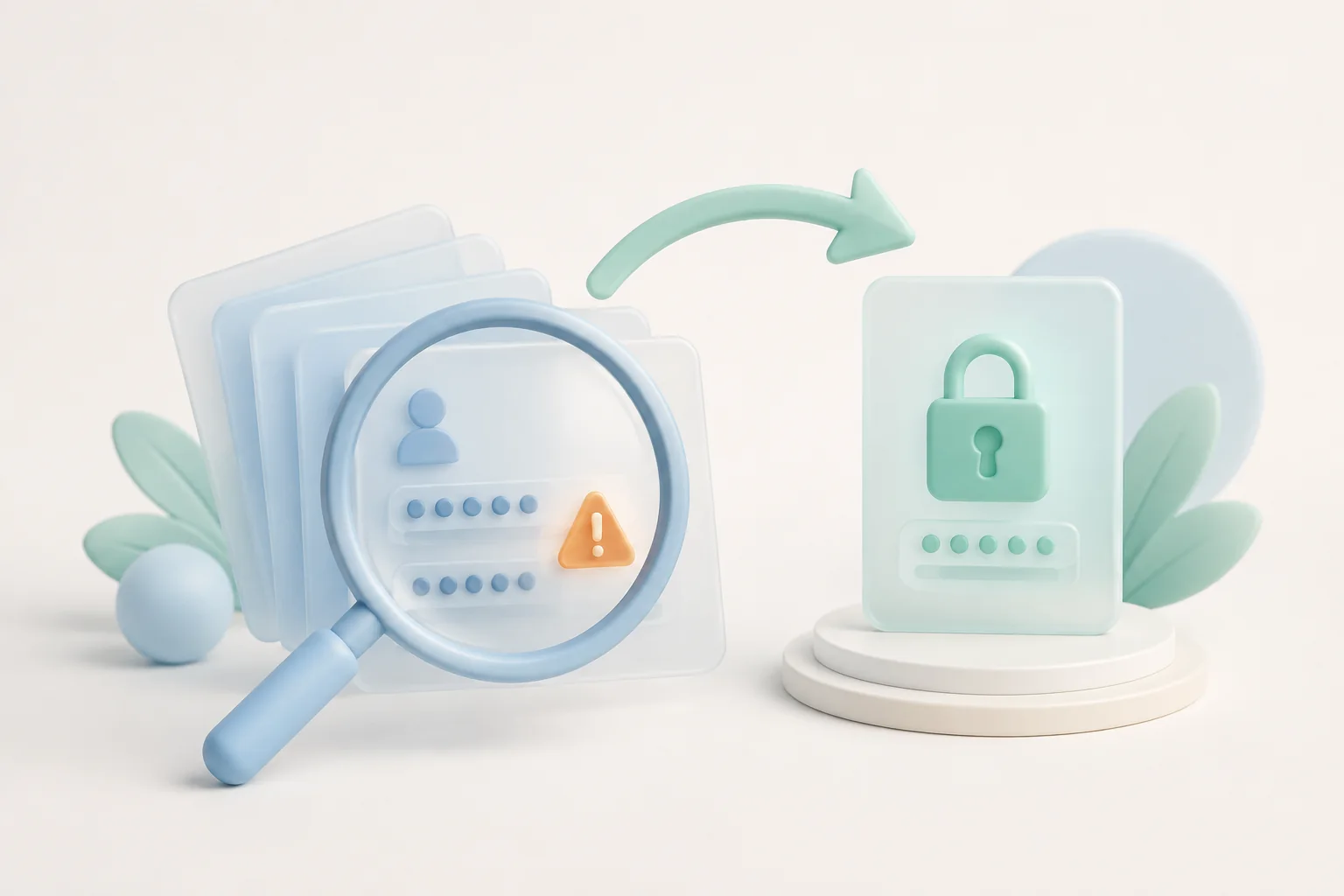
Even the most careful user eventually ends up with a credential that has appeared in a public breach corpus. Old accounts you signed up for a decade ago, services that were compromised before you ever touched them, passwords reused across multiple sites — somewhere in your vault there is almost certainly a string of characters that an attacker could try against a hundred different services. Bitwarden's data breach scanner was built to find those strings for you, and the recovery workflow around it was built to make rotating them safe.
Why Every Vault Needs a Breach Scanner
Credential stuffing — the automated attempt to log in to many different services using a leaked email and password pair — is one of the most common attack patterns on the modern web. The attack only works if the same password is reused across multiple sites, which is exactly the habit a password manager is supposed to break. A breach scanner acts as a safety net for the years before you adopted a password manager, and for the rare cases when even a managed vault ends up holding a reused string by accident.
Bitwarden Premium adds a built-in scanner that compares every credential in your vault against multiple breach databases and tells you which items need attention. Running it after each major breach disclosure — and as part of a monthly housekeeping habit — keeps your exposure low without making password management feel like a full-time job.
How the Bitwarden Breach Scanner Actually Works
The scanner is implemented as a Reports section in the web vault. Inside Tools → Data Breach Report, Bitwarden reads the email addresses and passwords stored in your vault, hashes them with the same algorithms that public breach aggregators use, and compares the resulting hashes against a constantly updated database. The comparison happens server-side but the hashes themselves reveal nothing to the server, so the privacy of your vault contents is preserved while the scan runs.
A second report — the Reused Passwords report — flags every password that appears in more than one item, regardless of whether that password has been leaked publicly. That report is the more useful one for most users, because it surfaces a habit that breach scanners cannot detect: a strong unique password that you accidentally copy-pasted into a second account years ago.
Reading the Results Without Panic
A breach scanner result can feel alarming the first time you run it. The trick is to triage. Start with accounts that combine a leaked password with two-factor authentication turned off — those are the most urgent. Move on to accounts where the leaked password is reused across multiple sites, even if two-factor authentication is on, because the leak gives attackers a starting point for social engineering. Finally, deal with the long tail of low-value accounts where a leaked password only gives an attacker access to an old forum you no longer visit.
For each finding, the report offers a direct link to the affected item. Click through, open the entry in the editor and use the password generator to create a new random string. Bitwarden will offer to overwrite the stored password and, if the item type supports it, will mark it as ready to update on the next visit to the affected site.
A Safe Recovery Workflow for a Leaked Credential
Rotating a password safely is more nuanced than just picking a new string. The following sequence works for almost every service without locking yourself out:
- Make sure you can still sign in. Confirm the current password works before you change it, especially on accounts that use single-sign-on or have a forced password rotation policy.
- Generate a new password. Use the Bitwarden generator to create a random string of at least sixteen characters, or whatever length the site requires.
- Update the site first. Submit the change through the service's official password reset flow, complete any email or SMS confirmation, and confirm the new password works.
- Update Bitwarden second. Only after the site accepts the new password, overwrite the stored entry in your vault. This order prevents you from accidentally locking yourself out if the site rejects the change.
- Audit related accounts. If the old password was reused anywhere else, run the same workflow on each of those sites before closing the report.
Building a Rotation Habit for High-Value Accounts
Some accounts deserve more frequent rotation than others. The primary email account you use for password resets, your bank, your password manager itself and any work-related admin account should rotate on a fixed schedule — quarterly is a reasonable cadence for most people. The breach scanner helps you remember the schedule by re-checking those items every time a new major leak is announced.
For everything else, the rule of thumb is "rotate on first evidence of compromise, not on a schedule". A random unique password that has never appeared in a breach corpus does not gain extra security by being rotated every six months; rotating it just creates more chances for a mistake. Save the discipline for the accounts that actually need it.
Turning the Scanner Into a Daily Bitwarden Routine
The most reliable way to keep on top of credential hygiene is to attach it to a habit you already have. After each bitwarden login on your main browser, glance at the notifications icon in the extension toolbar. If a new breach finding has arrived, treat it as a five-minute task before you move on with the day. If nothing has changed, you have spent a fraction of a second and can move on with confidence.
Combine the scanner with the Reused Passwords report, the Weak Passwords report and the Inactive 2FA report for a complete monthly check-up. None of these tools require a paid subscription on the most important reports, and the Premium tier unlocks the rest for a low annual fee. To see how the broader login experience fits together, take a look at the bitwarden login on this site and follow the rest of the Bitwarden flow from sign-in to scanner to recovery.