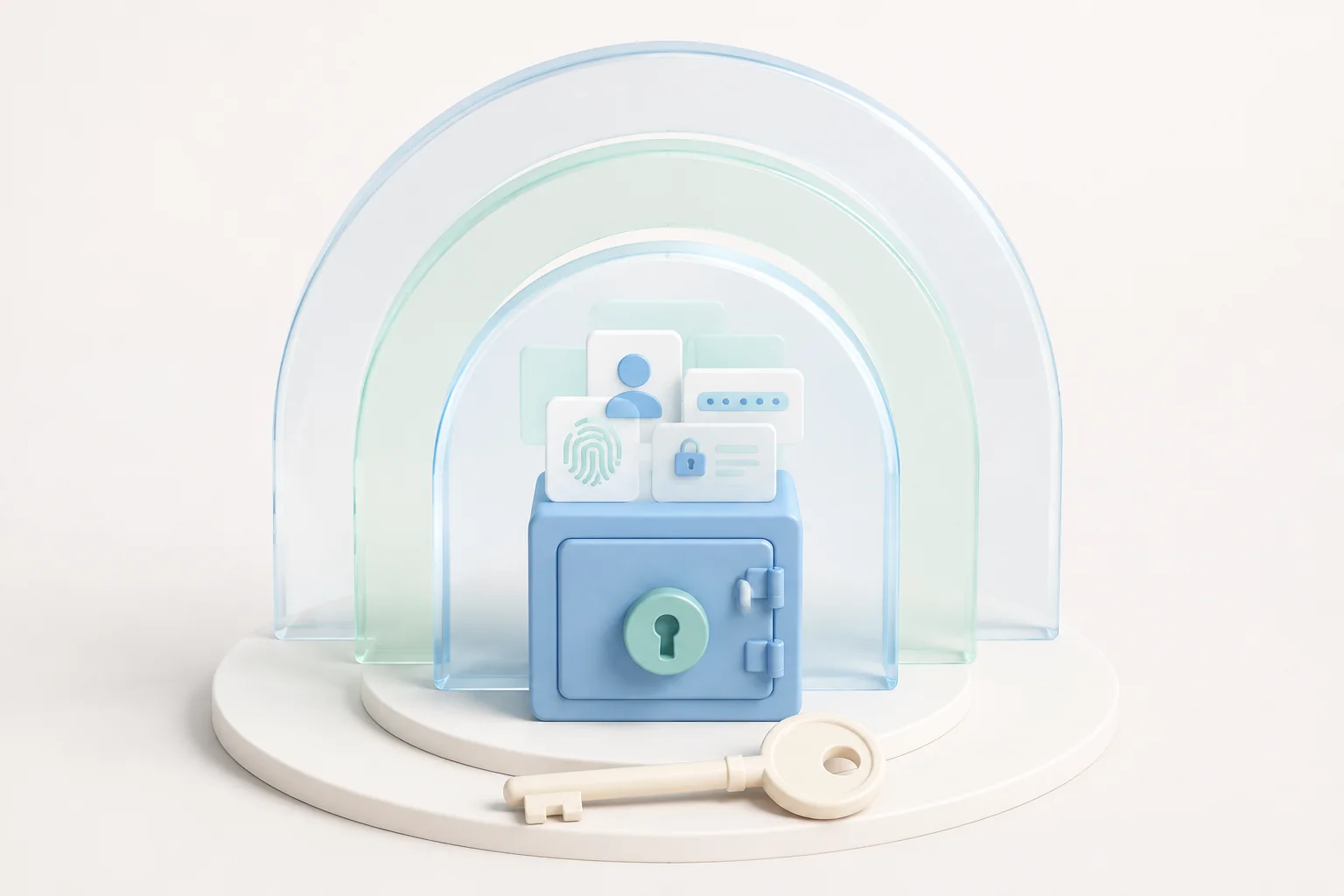
Every time you open Bitwarden, a small cryptographic choreography runs in the background. Your master password is turned into a key, that key is used to unseal your vault, and your stored passwords, secure notes and payment cards are revealed only on the device that just authenticated you. The good news is that you do not need a mathematics degree to understand what is happening — once you can picture the flow, every warning, every policy screen and every second-factor prompt makes considerably more sense.
What the Bitwarden Vault Actually Protects
The first thing to internalize is that the Bitwarden vault is not just a list of passwords stored on a server. It is a single, encrypted blob that contains every credential, secure note and payment card you have ever saved. Each item lives inside a structured record with a name, a type, an organization and any custom fields you have added, but everything inside that record is scrambled before it leaves your device.
That wrapping happens locally, in the desktop app, the mobile app or the browser extension. Nothing inside the vault is ever sent across the internet in readable form, which means a curious network operator, an attacker who breaches the cloud provider or even the Bitwarden engineers themselves only ever see an opaque stream of ciphertext. The vault behaves like a sealed envelope that only your master password can open.
Zero-Knowledge Encryption in Plain English
The term "zero-knowledge" sounds dramatic but the idea is simple. It means that Bitwarden as a company has no technical ability to read the contents of your vault, because the encryption key is derived from your master password and your master password never leaves your device. The server only ever receives the encrypted blob and a small amount of metadata needed to keep it in sync.
The practical consequence is reassuring. If a government served Bitwarden with a subpoena for user data, the engineering team could only hand over an encrypted blob that they themselves cannot decrypt. If a journalist walked into the cloud provider with a stolen backup tape, they would find the same opaque ciphertext. Real security comes from cryptography that does not rely on anyone keeping a secret except the rightful owner of the vault.
From Master Password to Encryption Key
When you type your master password during the bitwarden login flow, the client never sends that password to the server. Instead it runs the password through PBKDF2 SHA-256 with hundreds of thousands of iterations, a memory-tuned key derivation routine designed to make brute-force guessing expensive even on modern hardware. PBKDF2 turns your password into a 256-bit key that becomes the master key for the entire vault.
- Password entry: you type the master password into the local client.
- Key derivation: the client runs PBKDF2 SHA-256 to stretch the password into a strong symmetric key.
- Vault unsealing: the derived key is used to decrypt the vault blob that was downloaded from the cloud.
This is the step that turns an easy-to-remember phrase into something strong enough to protect thousands of credentials. If you choose a long, unique master password and never reuse it anywhere else, PBKDF2 makes the difference between an attacker guessing your key in centuries versus seconds.
Authenticated Ciphers and Item-Level Encryption
Once the master key exists, Bitwarden uses it to wrap every individual item in the vault with AES-256-CBC (or AES-256-GCM in newer clients), an authenticated encryption cipher that simultaneously encrypts the data and protects it against tampering. Each item carries its own random initialization vector, so two items encrypted with the same master key never produce identical ciphertext. The HMAC authenticator means that flipping a single bit inside the encrypted record causes the vault to refuse to open it instead of silently showing corrupted data.
Item-level encryption is what makes secure sharing work. When you hand a credential to a family member or a coworker through an organization, the client packages that single item under an additional key envelope that only the recipient can open with their own master password. The shared item never travels in plaintext, the server never sees the inner key and you can revoke access at any time by rotating the envelope.
How Sync Stays End-to-End Encrypted
Sync is the part that confuses most readers, because adding a new password on the laptop and seeing it appear on the phone looks like magic. In practice the flow is straightforward. When you save a new item, the local client encrypts it, computes a small diff and pushes the diff to the cloud over a TLS 1.3 connection. Every other device signed in with your bitwarden login picks up that diff, decrypts it with the same master key and merges the change into its local copy of the vault.
Because the diffs are themselves encrypted blobs, the cloud provider never learns which credential changed, which folder it belongs to or which user is the recipient. End-to-end sync is the property that lets you trust the convenience of automatic updates without giving up the cryptographic guarantees of a zero-knowledge vault.
Why This Matters for Your Daily Bitwarden Sign-In
Once you picture the moving parts, the daily bitwarden log in stops feeling like a black box. A prompt for your master password is the local client re-deriving your vault key. A push notification is the second factor proving that the device asking for the vault is really yours. A warning about a suspicious autofill is the cipher's authenticator detecting a tampered record before any plaintext is shown to you.
Understanding the architecture also makes it easier to defend your own setup. A long and unique master password increases the cost of brute-force guessing. A second factor adds an independent layer that a stolen password cannot bypass. Recovery codes stored offline make sure a forgotten password does not lock you out forever. If you want to see the architecture in motion, complete the bitwarden login on this site and watch how a single master password unlocks every encrypted item inside your own vault.